
 MAC APP · DESKTOP WALLPAPER
The live world map,
as your wallpaper.
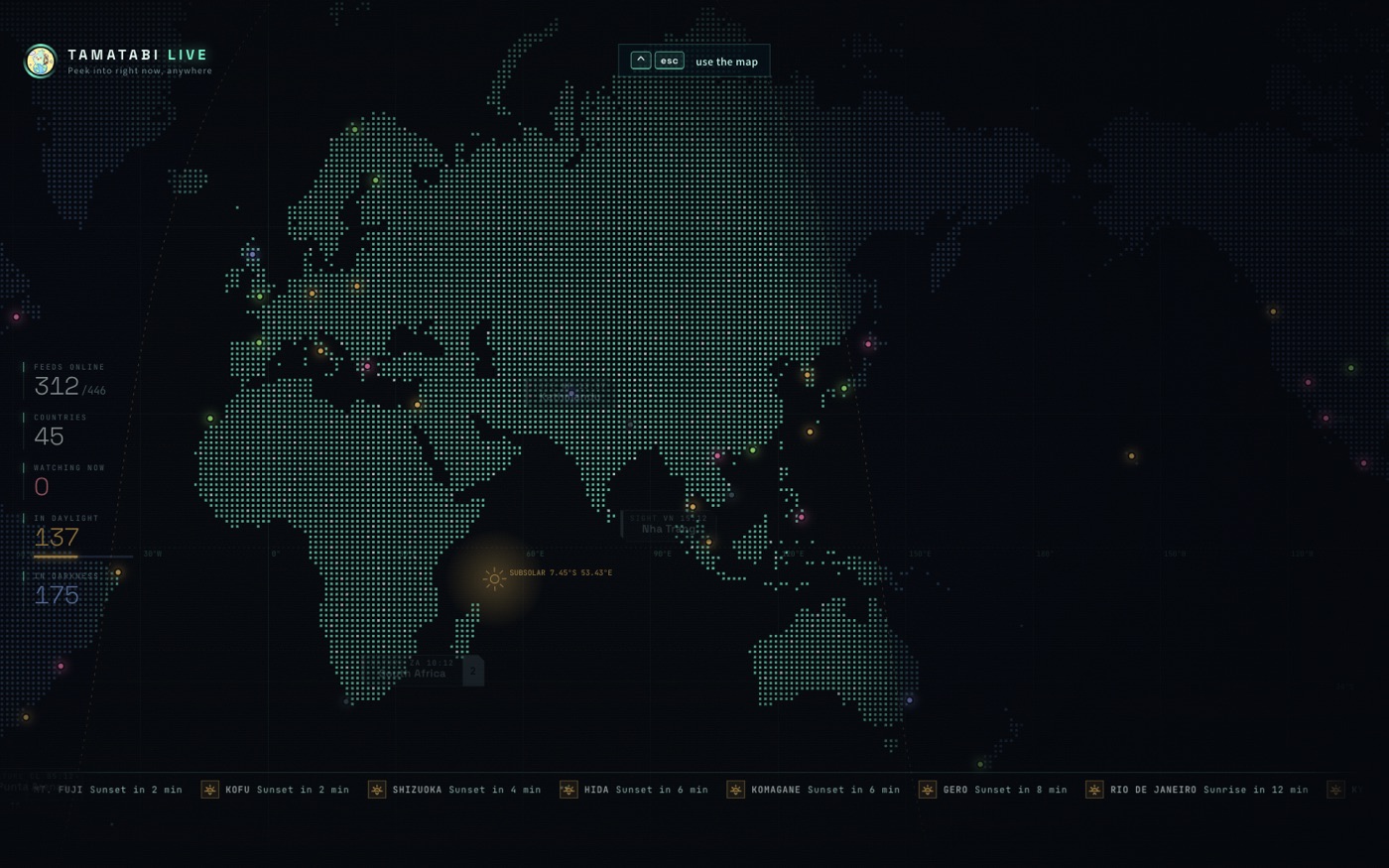
TamaTabi Live for Mac puts the map under your desktop icons. Day and night move across it, cameras glow where it's daytime, and the little traveller hops between them. When you want a closer look, press ⌃ esc.
- Lives under your icons
The map stays behind everything, at a few frames a second. Your files and windows work as usual.
- ⌃ esc to step in
Open any camera, flip through local radio stations, then press ⌃ esc again to put it back.
- Easy on the battery
The video pauses in the background, drawing stops when the desktop is covered, and it slows down further on battery.
- Every screen
Choose which displays show it; each one starts on its own part of the world.
Install in three steps
- Open the downloaded TamaTabiLive disk image.
- Drag TamaTabi Live into Applications.
- Open it from Applications. A short guide shows the rest.
The first time, macOS asks whether to open an app downloaded from the internet — that's normal. The app is signed and notarized by Apple. It updates itself.
Privacy: the app collects nothing. →No Mac? The same map runs in your browser. →